Quick landing
One offer page: structure, form, metadata. AI drafts blocks and copy; you own the final wording.
Request a landing24-hour launch
Each launch includes a template-based landing page tailored to your topic, domain setup, and hosting.
Assuming you stay reachable and reply promptly during the 24 hours.
Page outline drafts, headline options, first-pass block layout. Not “magic instead of a developer”: less busywork at the start and on iterations. Decisions on structure, design and copy are made by a person, not a model.
Landings, stores, and product sites, designed and built end to end. AI helps draft structure and copy so you can ship sooner; edits and decisions stay yours. Scope, stack, and acceptance criteria are set before kickoff.
0%Request
Pick a format; scope and timeline are outlined after a short brief. AI-assisted start when you want to move fast.
One offer page: structure, form, metadata. AI drafts blocks and copy; you own the final wording.
Request a landingCatalog, product cards, cart, and payment/CRM hooks. A lean loop for first sales, no leftover admin.
Request a storeSeveral pages, one design language, CMS or static. An editorial shell in your voice, not a shelf template.
Request a siteLanding and Telegram bot in one loop: leads, booking, staff alerts. Tight MVP for the first weeks.
Request a loopTwelve lanes. Take one, or wire several into one loop.
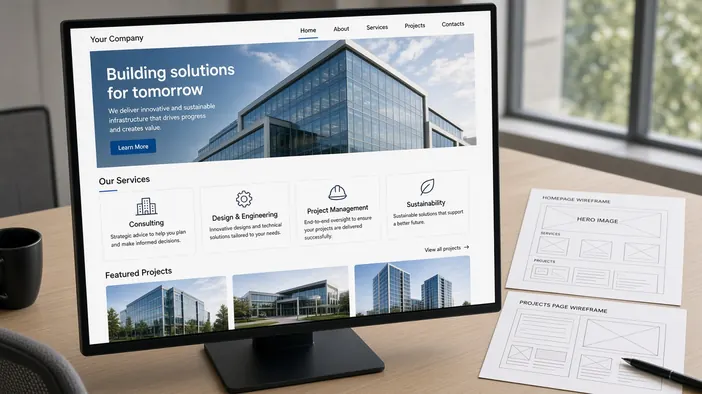
Multi-page sites for a product or studio: structure, typography, fast paint. AI drafts outlines and blocks; tone and finals stay yours.
Corporate website
Landings and offer or channel variants that share a design language. Different copy and UTMs, forms with validation and anti-spam.
Landing page development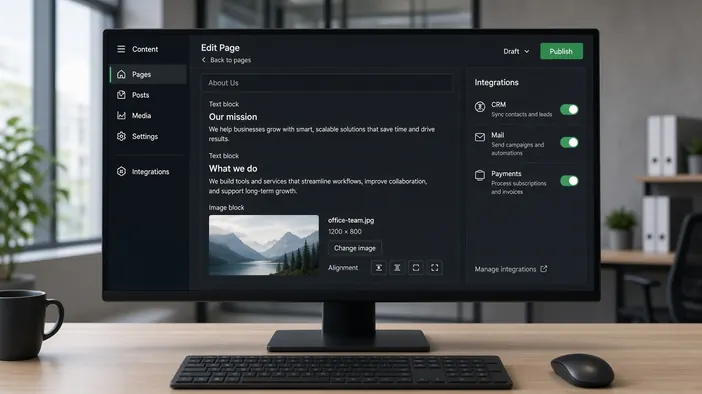
Content you can edit yourselves, plus CRM, mail, analytics, and payment hooks. Few plugins, only what the workflow needs.
Website development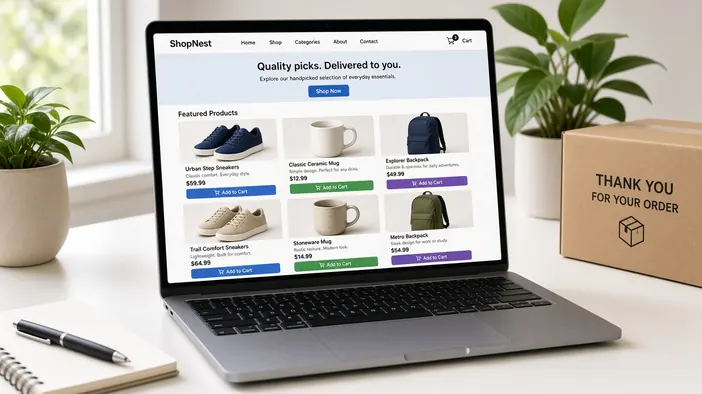
Catalog, product card, cart, and an order handed to payment or a CRM. A loop for first sales, not a marketplace-sized platform.
Online store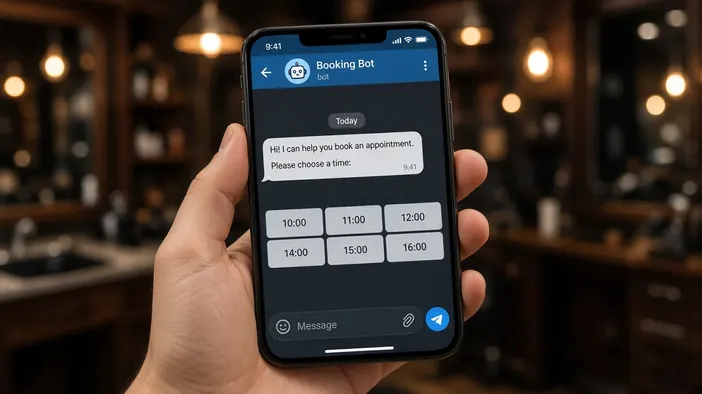
Telegram bots for booking, orders, and staff alerts. A tight MVP for the first weeks, with room to grow after real load.
Telegram bot development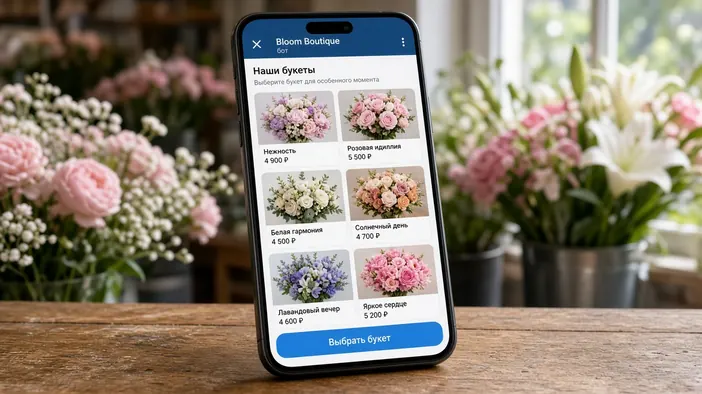
A screen inside Telegram when buttons are no longer enough: a catalog, booking, or a personal account. People never leave the messenger.
Telegram Mini App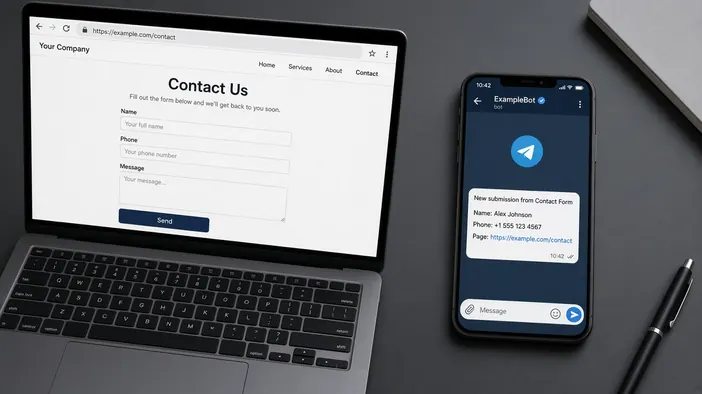
A form on the site and a message in your working chat with name, contact, and page. You reply from the same chat, no extra panel.
Website leads in Telegram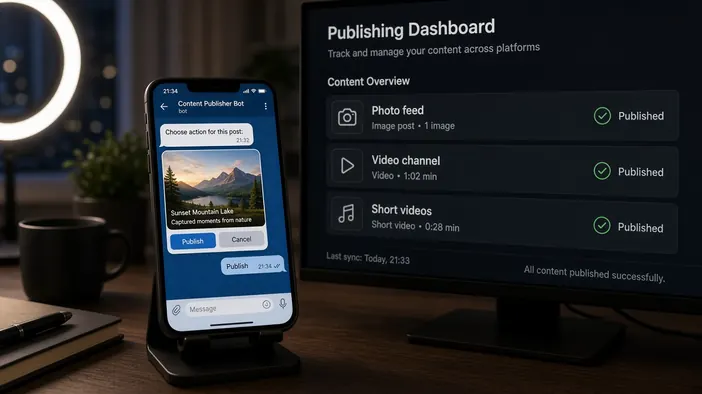
A bot takes the post in Telegram and sends it to Instagram, YouTube, and TikTok through each platform’s API. Draft and confirm in chat, then a status for which network accepted it.
Publishing bot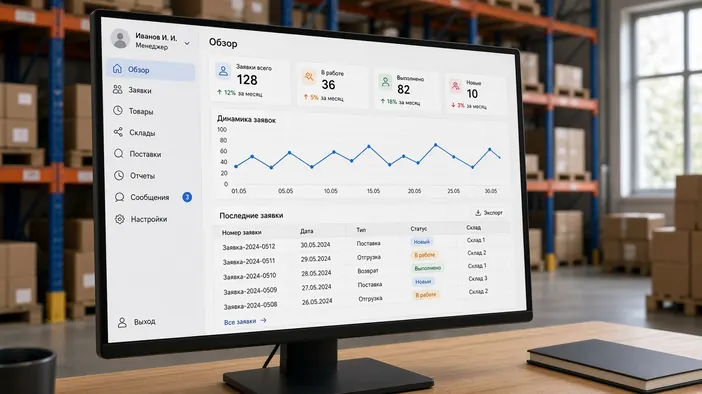
Small boards: lead queues, statuses, exports, roles. Site and bot in one loop, no leftover admin “just in case”.
Web application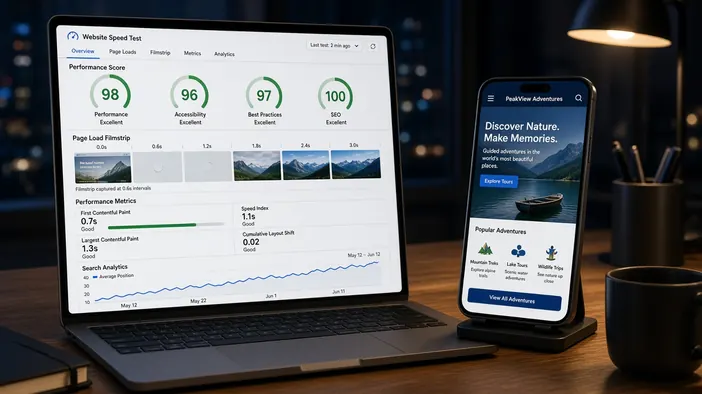
Static or hybrid builds, metadata, sitemap, Core Web Vitals. Handed off so pages open fast and index without surprises.
Speed and SEO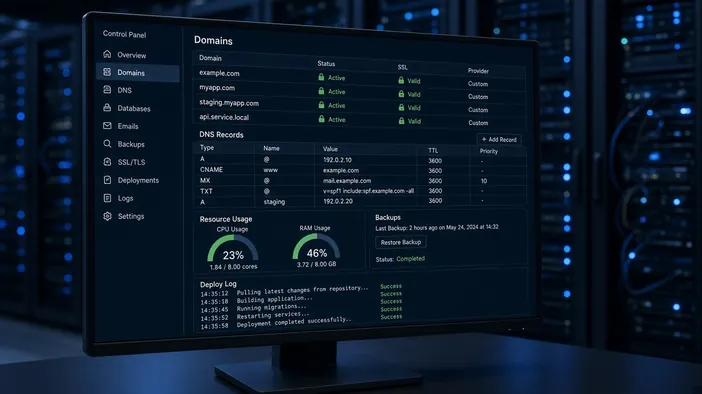
Hosting picked for the project, domain, SSL, mail on your domain, deploys from the repository, and backups. Every account in your name.
Hosting and launch setup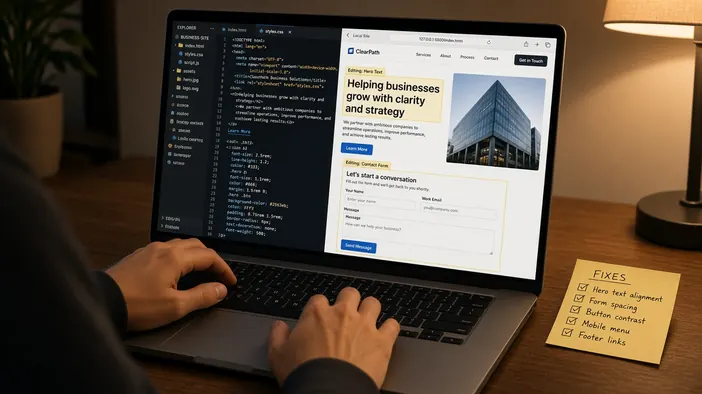
Copy and layout fixes, broken forms, new blocks on the current pages. Nikraz builds and others too, if the stack is clear and access exists.
Website supportFive steps. Scope, stack, and what “done” means, before the editor opens.
The product, who it is for, and the action the page should get. Timing starts from the brief and from what you still need to send.
Pages, blocks, a draft of the lines. AI speeds the draft. The sentences a customer will read stay yours to approve.
Site, form, bot, or a small board in one loop. A request should not vanish between the page and the chat.
The request arrives, the page opens fast, metadata and the sitemap are in place. You see the result, not a promise.
Copy, speed, a small scenario change. Nikraz builds and other people’s, if the stack is clear and access exists.
Live products and client sites.
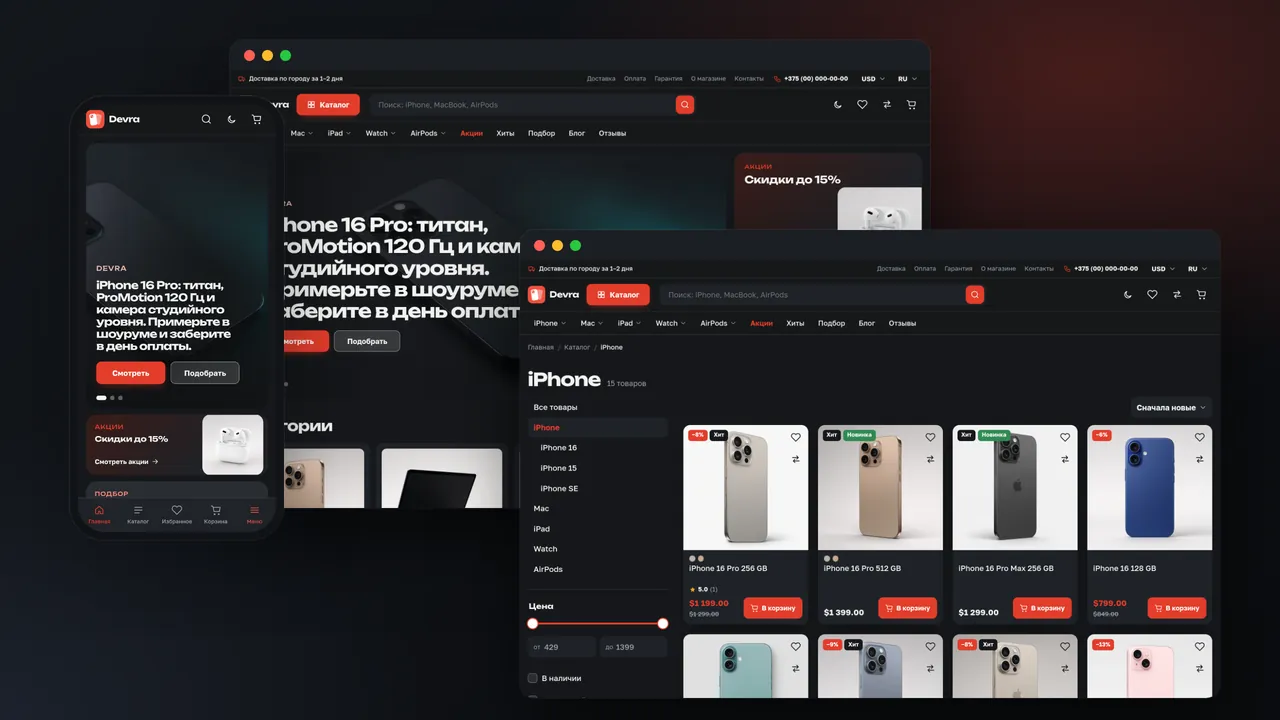
Online store → Apple devices
An Apple device store built from scratch: structure, design, layout and development on custom code. A filtered catalog, a product page with a gallery and color and storage options, a cart, checkout and one-click ordering are built in. Two themes, two languages and several currencies, with data served from a custom CMS.
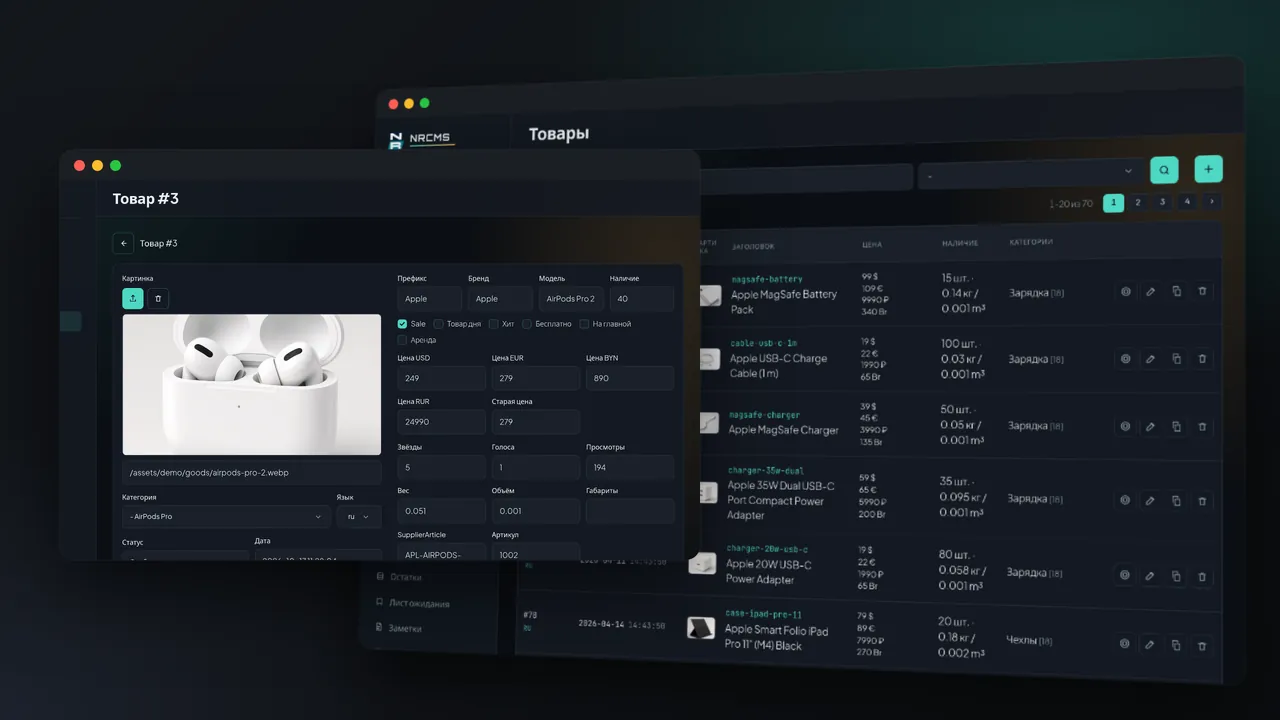
CMS → catalog and content
A store admin panel designed and written from scratch: interface, access levels and the database layer. Products, categories, articles, orders, reviews and sliders are managed in it, and the storefront reads the same database. A read-only viewing mode is included.
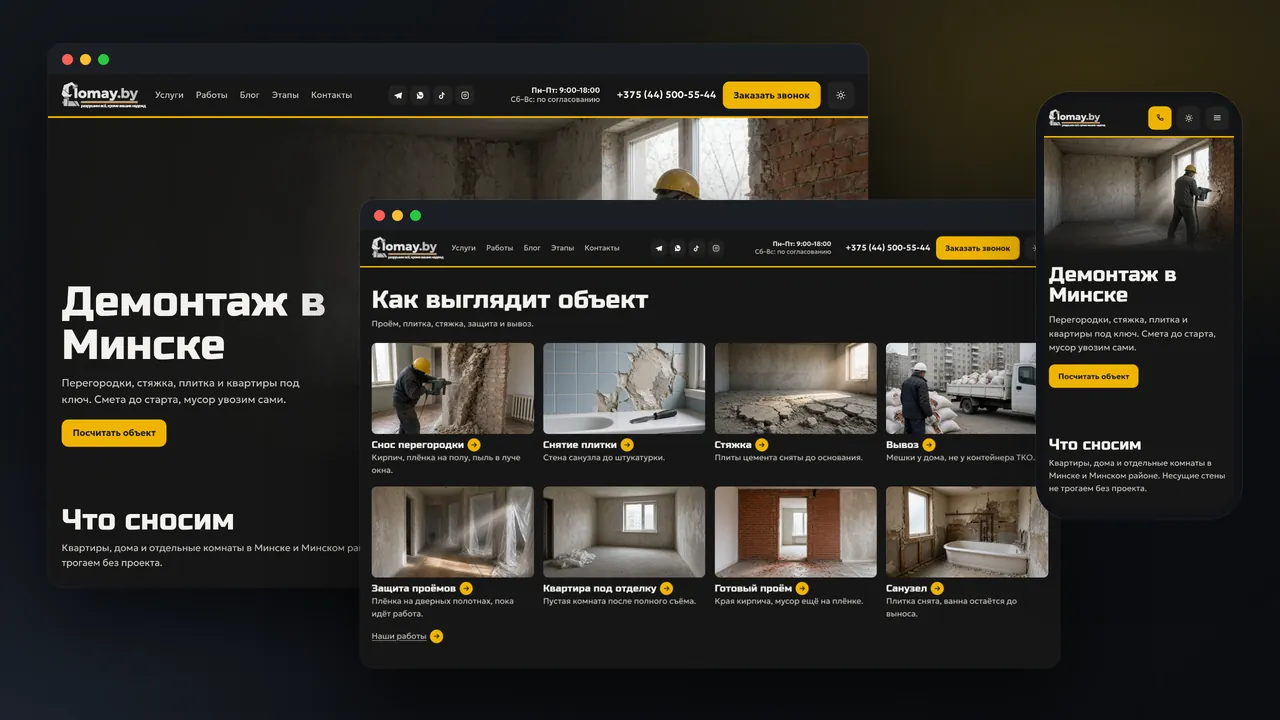
Service site → Minsk
A turnkey site for a demolition crew, from structure and design to custom code and launch. Service landings, a public price list, before/after sliders and a photo quote form are built in. Domain, hosting and email are set up, and the site is maintained after launch.
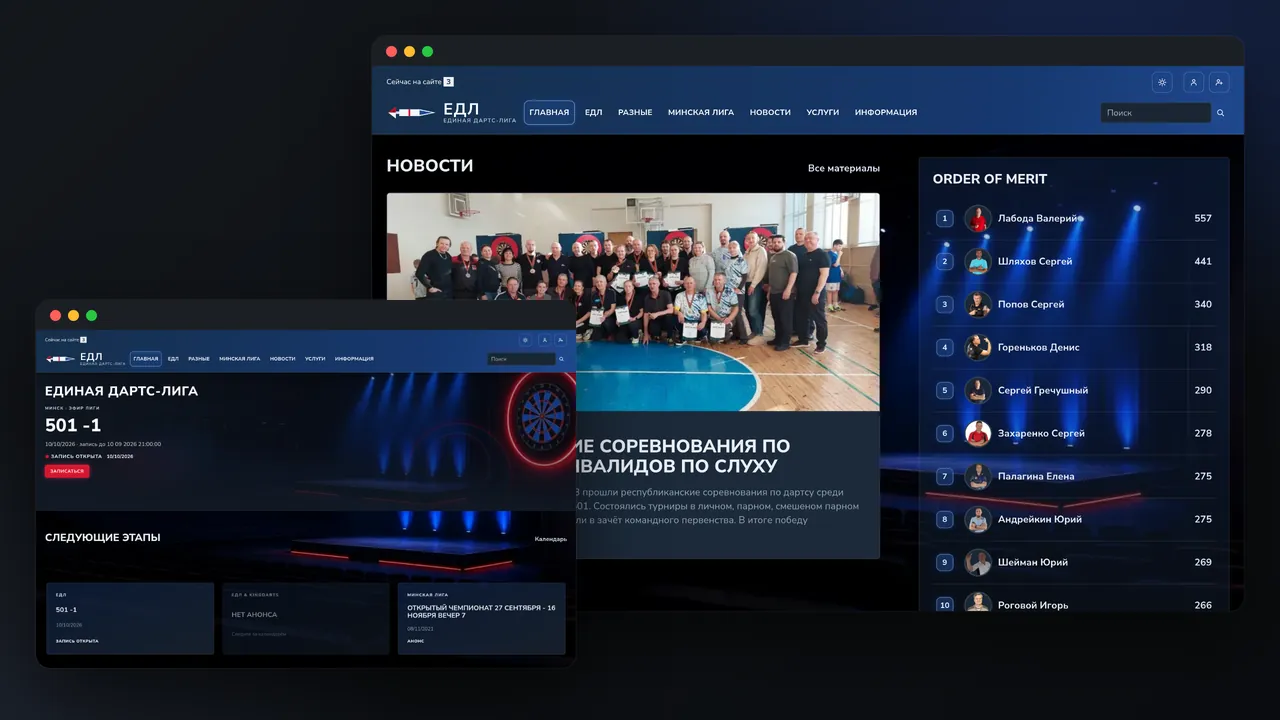
League → calendar + rating
A new league site built from scratch: planning, design and development.
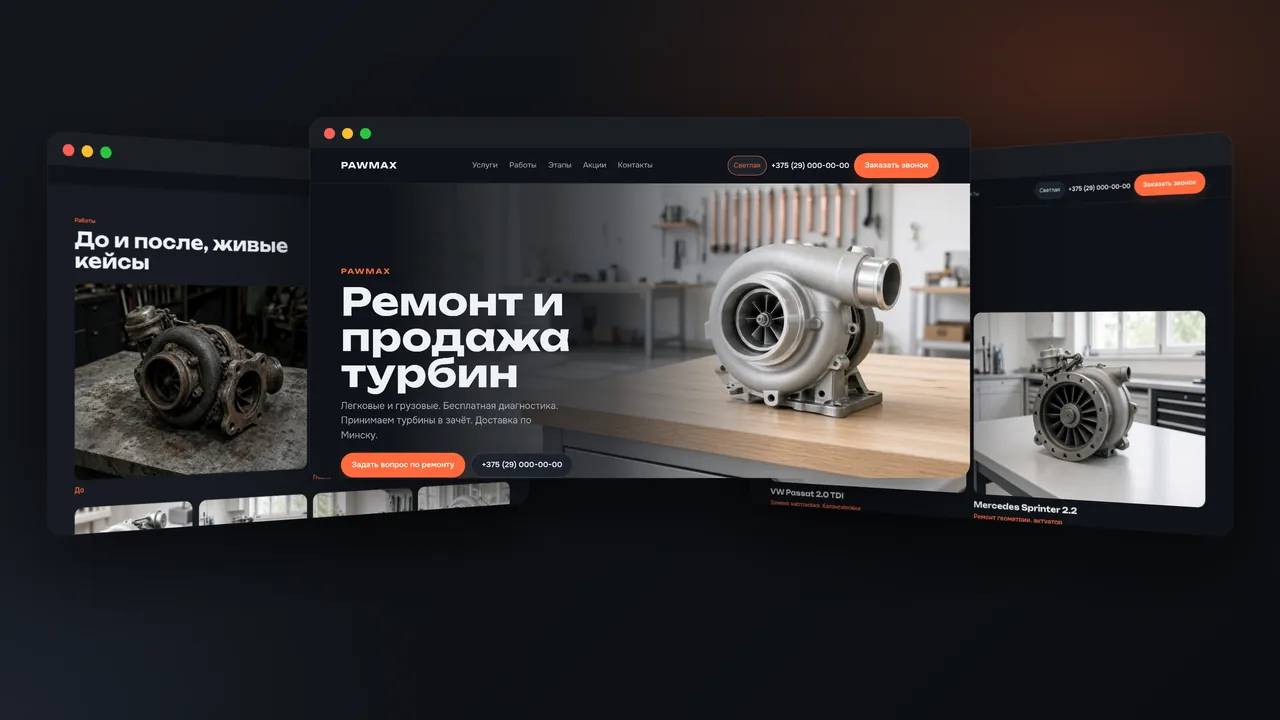
Service site → turbo repair
A site for a turbocharger repair and sales workshop in Minsk: structure, design and development. Service pages, a 12-step repair process, a jobs page with before/after cases, promotions and a callback form are built in. Light and dark themes, with FAQ and schema markup in the HTML.
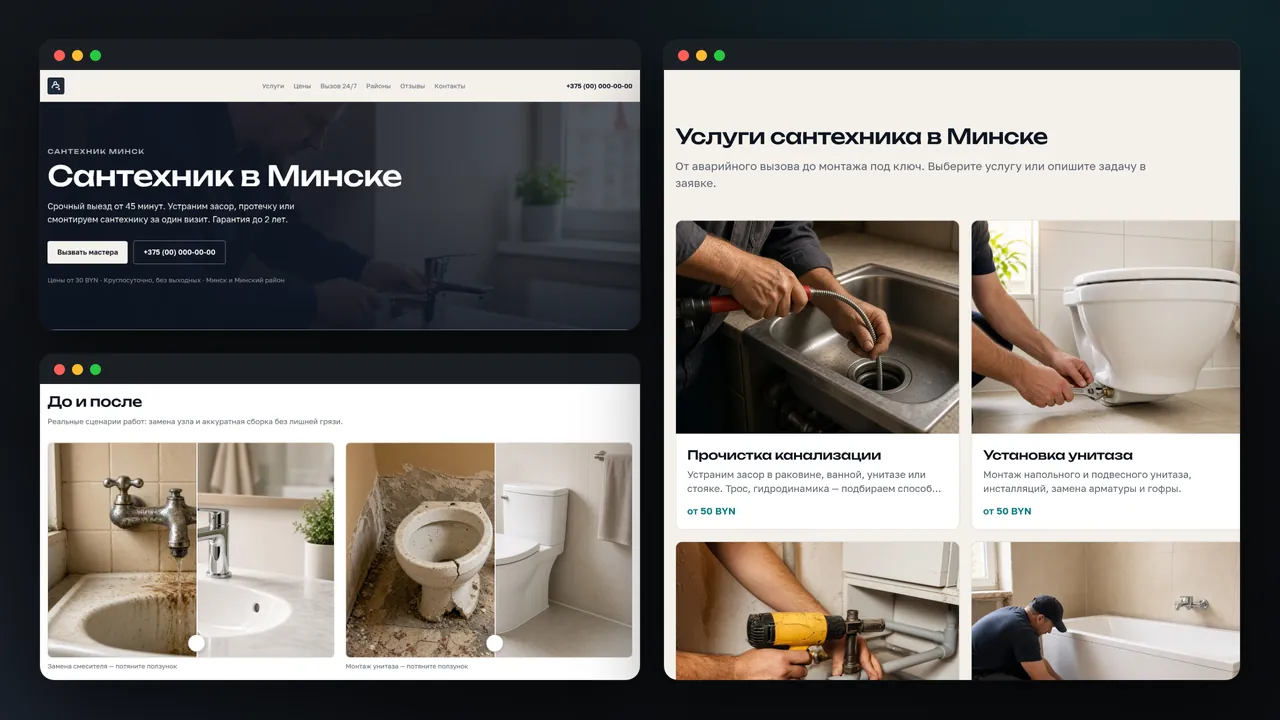
Service site → plumbing
A plumbing service site for Minsk: structure, design and development. Service pages with "from" prices, a price list, a cost estimator, before/after sliders, reviews, districts and a lead form are built in. Pages are prerendered, with content pulled from the admin panel at build time.
What people usually need before a brief. After that it is your job, not a public rate card.
It depends on the brief and on whether the facts and copy are ready. A landing with one offer is shorter than a multi-page site or a store. Timing comes in the first reply, with the scope.
Pages, copy, the form and where the request lands, hosting, and how many revisions. A number without that list means nothing. The estimate comes after a short brief, not as a “from”.
One offer and one request: a landing. Several services and search: a site. Booking, an order, or an alert in chat: a bot, sometimes next to a page. They can share one loop.
Custom. A template is fast in week one and tight in week two, when a scenario appears that the theme cannot hold. AI can draft the structure. The frame and the code stay a build for the job.
An outline draft, headline options, a first pass at the blocks. Tone, scope, and what ships stay yours to approve. AI does not replace the decisions.
Yes, if that is the agreement: copy and simple blocks without a developer for every comma. Form, bot, and payment logic lives in code: that is support, not “just fix it in the admin”.
Who you sell to, what the person should do on the page, the facts and the limits. Copy can be a draft. Domain and chat access come closer to launch, not on day one.
Telegram, email, or both: wherever you actually reply. The request keeps context: name, contact, page. A separate board is not required on day one.
Copy fixes, speed, forms, a small scenario change. Nikraz builds and other people’s both work if the stack is clear and access exists. Ads and someone else’s hundred-role CRM are out of scope.
A few lines about the product and the deadline. The reply covers the scope and the timing, not a “from” quote and not a call for the sake of a call.