Blog
Practical notes if you are about to order a site or a bot: the brief, the quote, copy, the landing page, a store, Telegram orders, and hosting.

Website backups: how to make them and test a restore
What a website backup should include, where to keep it, how often to make it, and why a backup without a tested restore guarantees almost nothing.

Form spam on your site: protection without captcha pain
Where form spam comes from, which protections do not get in the way of real people, when a captcha is still needed, and how not to lose real requests.

404 pages and broken links: what to do about them
Where broken links on a site come from, how to find them, when to set up a redirect, and what a 404 page needs so the visitor does not just leave.

Caching and CDN: when a small site needs them
Caching and CDNs in plain words: how they speed up a site, when you can do without them, and which caching mistakes stop updates from showing.

Where to host a Telegram bot so it stays up
Why a bot on a home computer is not an option, how webhooks differ from polling, which server to pick, and how to watch the bot and keep its data safe.

A Telegram booking bot: what to think through
How a booking bot for services works: schedules and staff, confirmations and reminders, rescheduling and cancelling, calendar sync, and a human fallback.
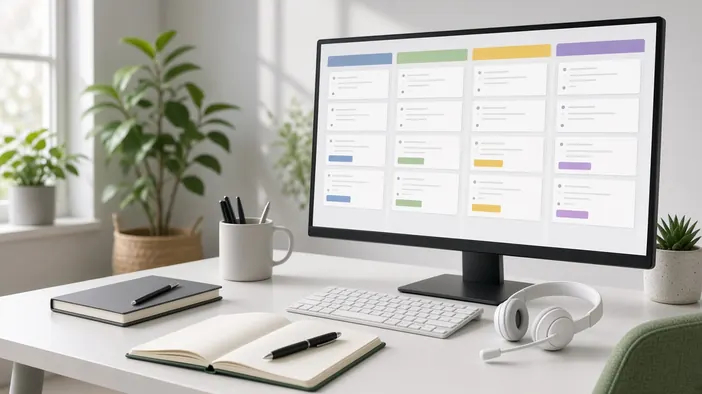
Site requests into a CRM: connecting without losses
Why send site requests straight into a CRM, which data to pass, how to avoid duplicates, what to do when the connection fails, and where Telegram fits.
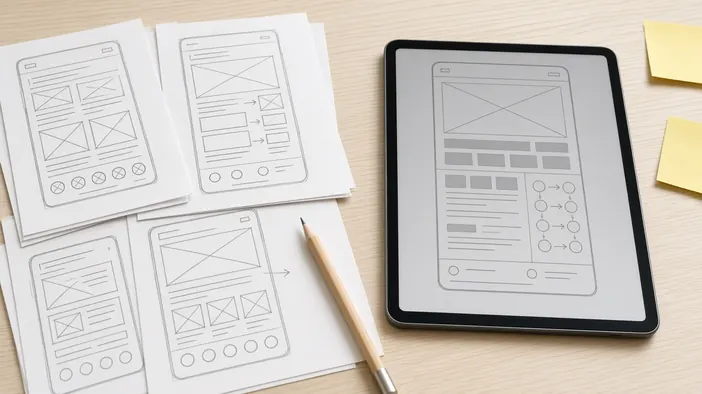
An AI prototype before you order development
How to use AI to quickly put together a rough prototype of a site or bot, how it helps when ordering development, and why it is not a finished product.

A staging copy: why not to edit the live site
What a staging copy of a site is, why editing the live site directly is risky, how a safe update routine works, and what to do about data and search.
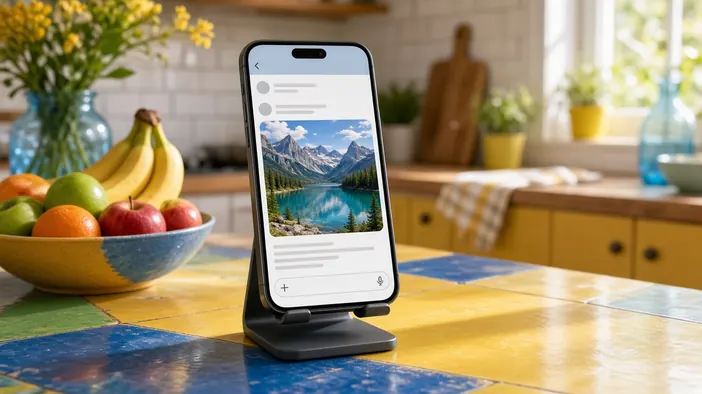
Link previews: how your site looks in a chat
Where the title, description, and image in a link preview come from, how to set them per page, what image works, and why an old preview will not update.

A client account area: when your site needs one
What a client account area solves, when you can do without one, how to make signing in easy, and what to think through about data and security.

Site monitoring: learn about downtime before clients
What to check on your site automatically, where to send downtime alerts, how to avoid false alarms, and who should act when the site goes down.