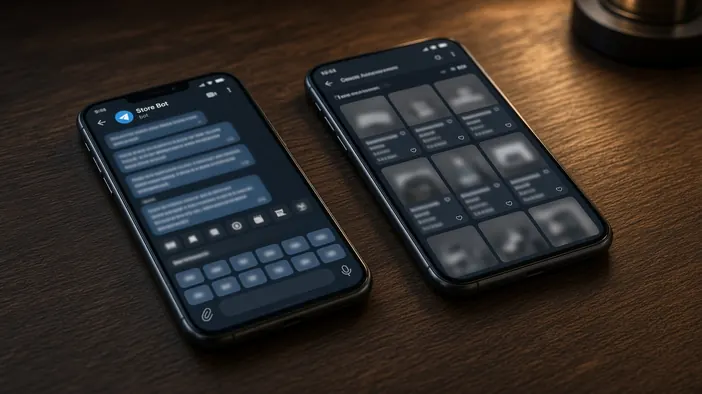
Telegram supports two very different products. A regular bot talks through messages and buttons. A Mini App opens a full interface inside Telegram, similar to a small site or app. Both live in the same messenger, but they solve different tasks and cost differently.
Below is how to tell what your project needs, and why sometimes the best answer is a bot and a Mini App working together.
When a regular bot is enough
- The flow is short: a few questions, a choice of buttons, a request
- People type more than they pick: a question, a photo, a document
- Notifications matter: order status, a booking reminder
- Staff handle requests right in a work chat
A bot is faster to build, simpler to maintain, and familiar to people. For many tasks that is enough, especially in a first version.
When you need a Mini App
- A catalog with photos, filters, and a cart that is awkward to scroll through as messages
- Picking a date and time in a calendar, a seat on a map, or a product configuration
- Forms with many fields where it helps to see everything at once
- A personal account: order history, bonuses, settings
If a bot makes people press button after button to complete a single action, that is a sign the interface wants to be a Mini App.
How a Mini App differs in practice
A Mini App is essentially a web app that opens inside Telegram. It has to be designed as an interface, laid out for different phones and themes, hosted, and updated. That is closer to building a small site than to setting up a bot.
In return, a Mini App gets the Telegram user’s data without sign-ups or passwords, and the person stays in a familiar messenger. More on how we build them on the Telegram Mini App page.
Combining the two
Often the pairing works best: the bot greets the person, answers simple questions, and sends notifications, while a complex action such as choosing products or booking opens from a button in a Mini App. After checkout the person returns to the chat and sees a confirmation message.
Where to start
If you are unsure, start with a bot and watch where people struggle. It is cheaper and faster, and a Mini App can be added to the same bot later, once it is clear which interface is really needed. How to describe the flow upfront is covered in the note on a Telegram bot brief.
More about regular bots on the Telegram bots page. If you want to discuss what suits your project, use the contact form.