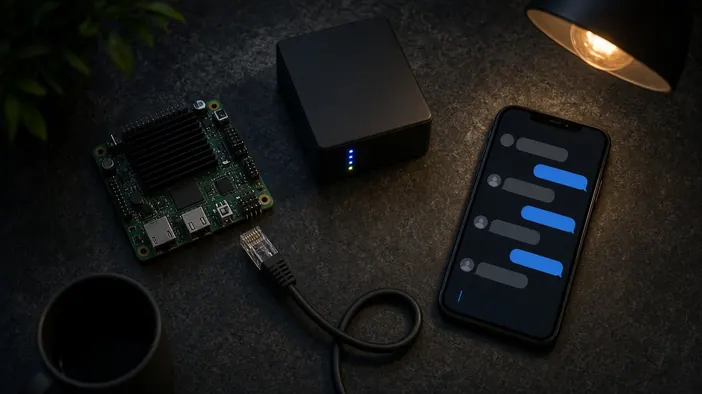
The bot is written, tested, and replying. The next question, often forgotten when ordering, is where it will run around the clock. Telegram does not run anything itself; it only passes messages along. The bot program has to keep running on some server.
Below are the options, how they differ, and what to check so the bot does not go quiet at the worst possible moment.
Why not a laptop or home computer
During development a bot is often run right on the developer's computer, and that is fine. For working with clients it will not do: the computer gets switched off, goes to sleep, loses internet or power. At that moment the bot stops answering, and the client sees their message hanging with no reply.
A bot should live on a server that runs constantly and is looked after by the hosting provider.
Webhook or polling
A bot learns about new messages in one of two ways. With polling, the program regularly asks Telegram whether anything new has arrived. It is simple to set up and needs no domain, but the program must run without a break.
With a webhook, Telegram sends each new message to your server's address. This needs a domain and HTTPS, but the bot reacts at once and fits cloud platforms that start the program on request. Most production bots use a webhook, while simple internal tools get by with polling.
Which server fits
- A small virtual server: full control, with room for a database and the site next to it
- A cloud platform that starts the app itself and restarts it after a crash
- The same server as the site, if the bot is small and tied to the site
Ordinary website hosting that does not allow always-running programs often does not suit a bot. Before buying, ask the developer what the bot is written in and what it needs. General criteria are in how to choose hosting.
Auto-restart and watching
Any program crashes now and then: a bug, a server update, or a lack of memory. What matters is that the bot comes back on its own, without a person stepping in. On a server this is done with a system process manager or a container with an automatic restart rule.
The second rule: you should learn about a crash before your clients do. A simple check that regularly messages the bot and waits for a reply, then alerts you if it stays silent, does the job. More in the post on site monitoring; the same principles apply to bots.
Data, keys, and access
The bot token gives full control over it, so it is kept in the server settings, not in the code or in a chat. If the bot stores orders or client bookings, it needs a database with backups, not a file next to the program.
The server, domain, and bot account should be registered to the business owner. Why that matters is covered in domain, hosting, and access.
Building a bot and hosting it on a server are part of the Telegram bot service. If you already have a bot that keeps going down, get in touch.