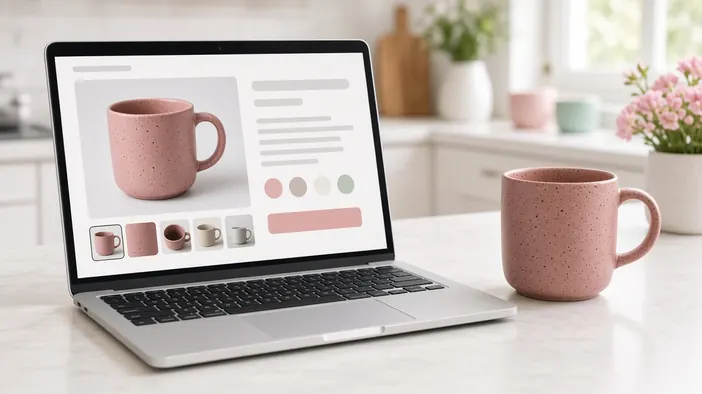
In an online store the buying decision is made on the product page. The home page and catalog bring people there, and then everything depends on whether they find answers without leaving the page. If they do not, they go looking for them at a competitor.
Below is what a product page needs so a person can calmly press “Add to cart.”
Photos
Photos stand in for picking the item up. One shot on a white background is not enough. You need several angles, close-ups of details, the item in use, and something that shows its size. If the item comes in several colours, the photo should change with the choice.
Name, price, and stock
- The name says what the item is, not just a SKU or model number
- The price is visible right away, without choosing a size or logging in
- It is clear whether the item is in stock, and when it will be back if not
- If the price depends on the variant, it changes with the choice
Delivery and returns next to the button
“When will it arrive,” “what does delivery cost,” and “can I return it” come up exactly at the moment of decision. Put a short answer to them next to the buy button and leave the details on a separate page with a link. Nobody should have to dig through the footer for the terms.
Description and specs
The description answers “will this suit me,” and the specs answer “what exactly will I get.” The description is written for a person: what the item is for, who it suits, how it differs from similar ones. Specs work best as a table or list that is the same for every item in a category, so they are easy to compare.
Reviews and questions
Other buyers’ reviews remove doubts better than any description. Even a few real reviews with photos beat an empty block. It helps when people can ask a question about the item and the answer stays on the page for the next buyers.
On a phone
Many buyers look at product pages on a phone. The buy button should be visible without long scrolling, photos should swipe with a finger, and choosing a size or colour should not require precise taps on tiny elements. Why a product page may open slowly on mobile is covered in the note on speed on a phone.
If you are still choosing the format, start with the note on an online store or a Telegram catalog. How we build stores is described on the online store page. If you want to discuss yours, use the contact form.