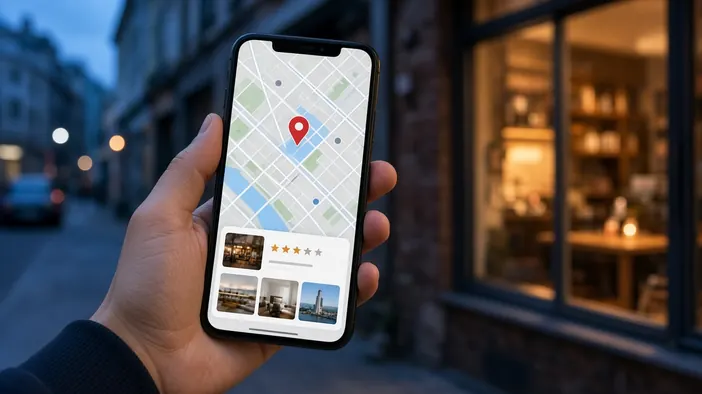
If you serve clients in your own city, many of them will find you through maps rather than a website search. A person looks for “coffee near me” or “tyre service,” sees a few pins on the map, and picks one by photos, reviews, and whether it is open now. At that moment the website may not even come into play.
Below is how to set up your business listing on maps and connect it with your site so it brings in clients.
A listing on your own account
A business listing on Google Maps and Yandex Maps needs to be verified by the owner. Sometimes one already exists because visitors added it, and then you need to claim it. As with the domain, the account should be yours, and a marketer or developer gets separate access.
The same details everywhere
The name, address, phone number, and opening hours should match on the site, on maps, in directories, and on social media. If an old phone number or a different spelling of the address lingers somewhere, search engines trust the data less and clients call the wrong number.
- One spelling of the company name
- An exact address and the right pin on the map
- A working phone number that someone actually answers
- Current opening hours, including holidays
Photos and description
A listing with real photos gets picked more often than an empty one. Show the entrance so it is easy to find, the interior, your work, or products. The description and list of services help the listing appear for the right searches, so fill them in as thoroughly as your site pages.
Reviews and replies
People read map reviews before they come. Ask happy clients to leave one, for example with a link in a message after a purchase. Reply to reviews, especially negative ones: a calm reply that solves the problem often convinces new clients more than a pile of praise. Buying reviews is a bad idea, as maps fight it and may push the listing down.
Connecting it with your site
The listing should link to your site, and the site should show the address as text, a map, and the same contacts. If you have several locations, give each its own page on the site and its own map listing. The other search basics are collected in the note on SEO before launch.
If you want your site and listings to work together, see the speed and SEO page or use the contact form.