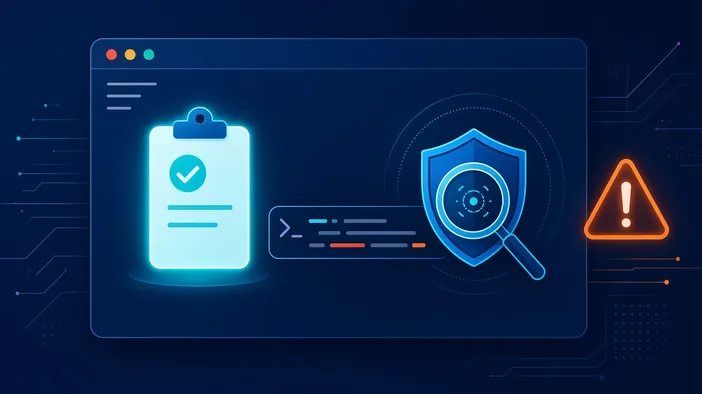
Google has taught Chrome to keep an eye on the clipboard. When a user copies something from a page that looks like a terminal command, the browser can assess it and show a warning before the text ever reaches PowerShell or cmd.
The feature only works with Enhanced Protection turned on, which is off by default, and ships starting with Chrome 155. The goal is clear: fight ClickFix attacks, which have become one of the most common ways to infect a computer.
What ClickFix is
The trick is simple: a site shows a fake error or a bogus robot check and asks the visitor to click a button, then paste what was copied into the Run dialog or a terminal. The button quietly puts a malicious script on the clipboard, and the user launches it with built-in system tools. The browser never saw that step, because the command runs outside of it.
How the check works
Chrome monitors copied text and looks for suspicious commands. If something looks off, the snippet goes to Google servers for deeper analysis, after being automatically stripped of personal data, according to the company. The verdict is meant to arrive almost instantly so the warning appears before the command is pasted.
More AI against scams
Google is also expanding its anti-scam features: the on-device Gemini Nano model that caught fake tech support now has a more capable cloud Gemini model behind it, covering many more scenarios. The browser has also started warning not only about clearly dangerous sites but also about pages showing signs of phishing.
Our take
For site owners the lesson is simple: never ask visitors to copy and run commands to "verify" or "fix" something, or your site may look just like a trap. If you publish instructions for developers, show commands as plain text with explanations rather than hiding them behind a copy button. Details are in the CNews report.